 Parametric Robot Control
 Unity | C#
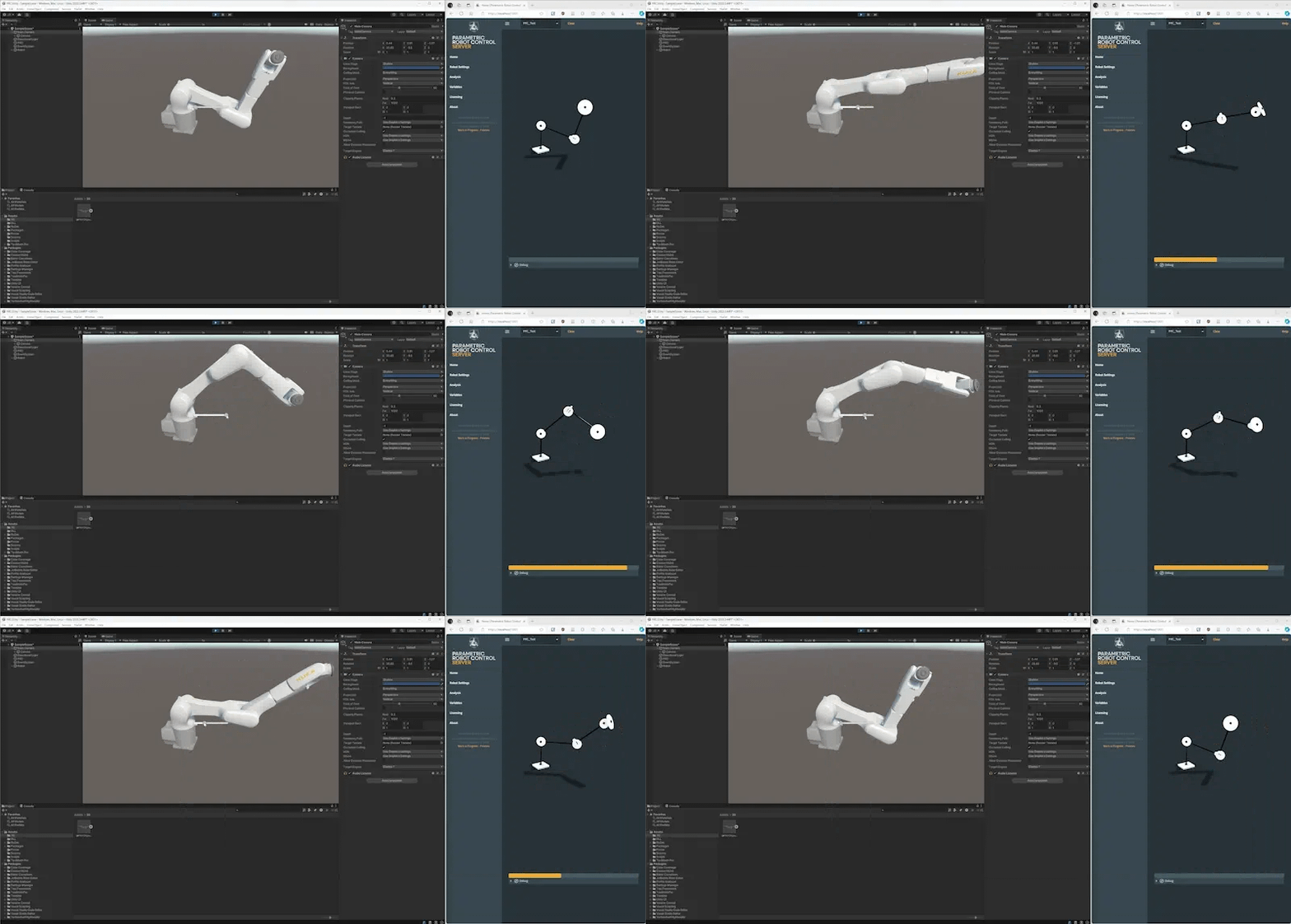
Unity is a game engine that uses C# for scripting.
Unity by default works with meters as units and Y+ up. PRC internally works with mm and Z+ up. You may need to multiply your Unity coordinates by 1000 and switch Y and Z.
It is convenient to pack the data from the protobuf definition into a separate dll. We created a NetStandard 2.1 project in Visual Studio with references to the Google.Protobuf, Grpc.Core and Grpc.Tools packages, added the *.proto files set the build action to Protobuf compiler / Client only in the properties. This created a PRC.Protos.dll that is imported into Unity.
We used github.com NuGetForUnity
to install the Google.Protobuf and Grpc.Net.Client packages.
The Unity implementation mostly utilizes the code from gRPC via C# , however it relies on a custom HTTP2 handler, github.com YetAnotherHttpHandler . Installing it also works via NuGetForUnity, refer to its documentation. gRPCWeb is supposed to work in Unity as well, however we encountered problems.
var handler = new YetAnotherHttpHandler()
{
    RootCertificates = rootCerts,
};

var grpcChannel = GrpcChannel.ForAddress(ip, new GrpcChannelOptions
{
    ServiceConfig = new ServiceConfig { MethodConfigs = { defaultMethodConfig } },
    MaxReceiveMessageSize = null,
    MaxSendMessageSize = null,
    HttpHandler = handler,
    CompressionProviders = new List<ICompressionProvider>() { new Grpc.Net.Compression.GzipCompressionProvider(System.IO.Compression.CompressionLevel.Fastest), }
});
For the handler, the public key of the root certificate has to be embedded in the file
var rootCerts = @"
-----BEGIN CERTIFICATE-----
MIIDbDCCAlSgAwIBAgIQepbGKh13s5ROLPfzImJVeTANBgkqhkiG9w0BAQsFADAm...."
For visualization, the PRC_Unity.cs file has to transform the matrices from the CAD-centric right-handed, Z-up coordinate system into Unity’s left-handed, Y-Up coordinate system.
Refer to the following repository for the full code:
github.com PRC.Integrations